> ## Documentation Index
> Fetch the complete documentation index at: https://cndoc-langchain.site/llms.txt
> Use this file to discover all available pages before exploring further.

# 使用AI编写提示词

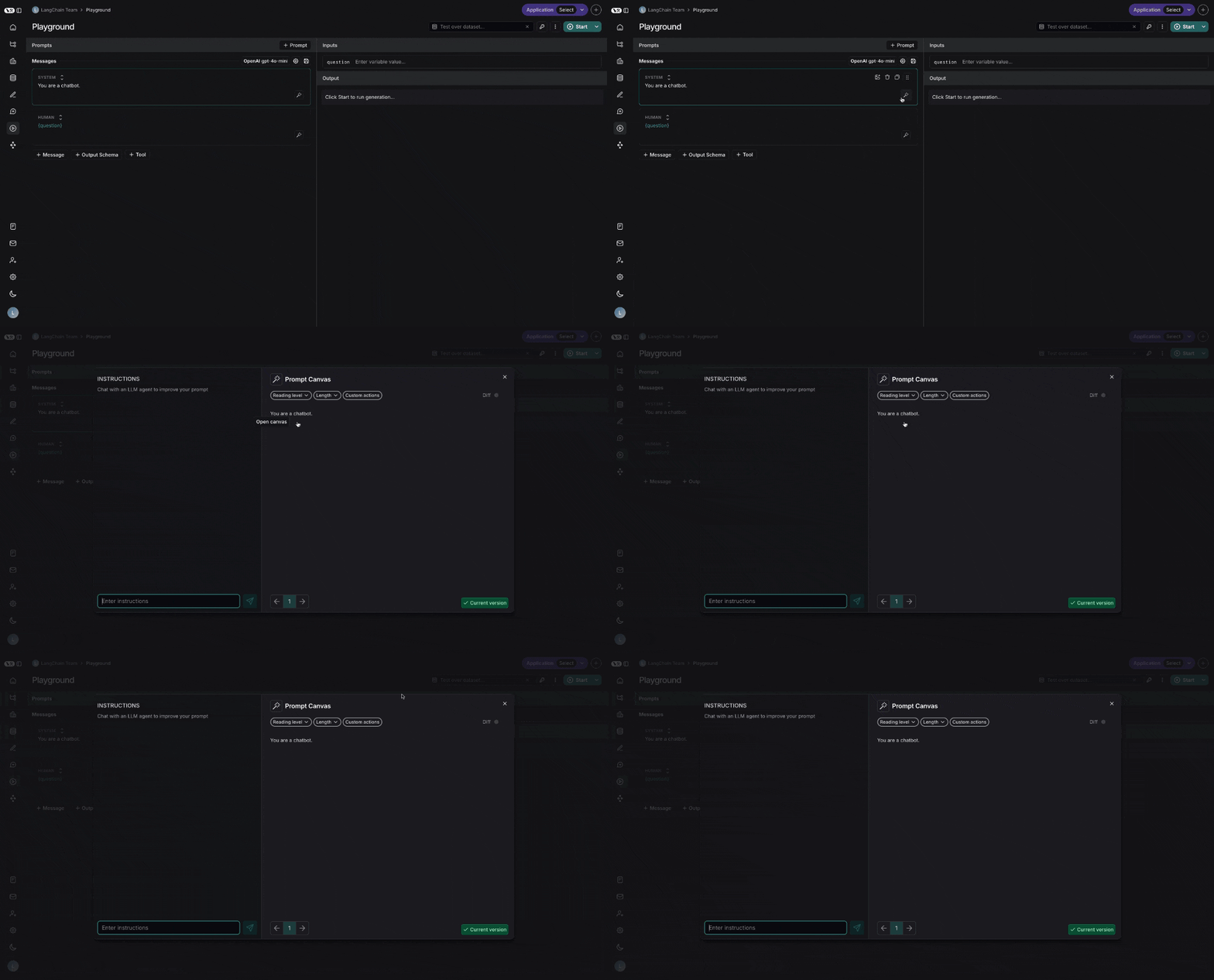
提示画布让您能够借助LLM轻松编辑提示词。这使您可以更快地迭代长提示词，也更容易对提示词进行整体风格或语气的调整。您可以通过点击提示词中任意消息上方的发光魔杖进入提示画布：

<img src="https://mintcdn.com/other-405835d4/4uxGFmQj9AQhEaXK/langsmith/images/prompt-canvas-open.gif?s=5e8ebcb670520ca4373fab157c703bf7" alt="提示画布已打开" width="1000" height="539" data-path="langsmith/images/prompt-canvas-open.gif" />

## 聊天侧边栏

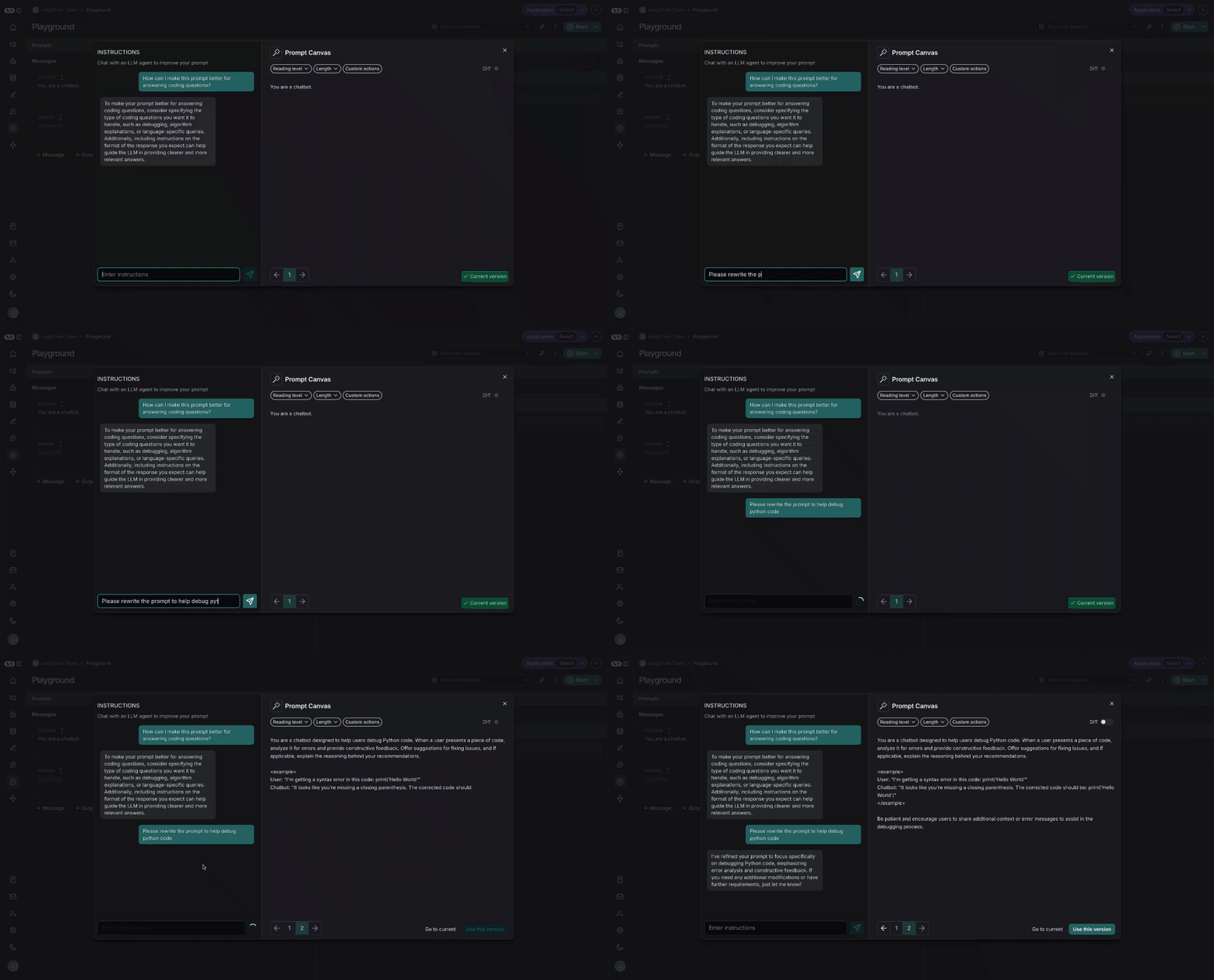
您可以使用聊天侧边栏询问关于提示词的问题，或用自然语言向LLM发出指令，指导其如何重写您的提示词。

<img src="https://mintcdn.com/other-405835d4/4uxGFmQj9AQhEaXK/langsmith/images/prompt-canvas-rewrite.gif?s=4828146166671f86e4c25f0c108043e2" alt="提示画布重写" width="1000" height="539" data-path="langsmith/images/prompt-canvas-rewrite.gif" />

<Note>
  您也可以直接编辑提示词——**不一定**需要使用LLM。如果您已经知道需要进行哪些修改，并且只想直接操作，这会很有用。
</Note>

## 快速操作

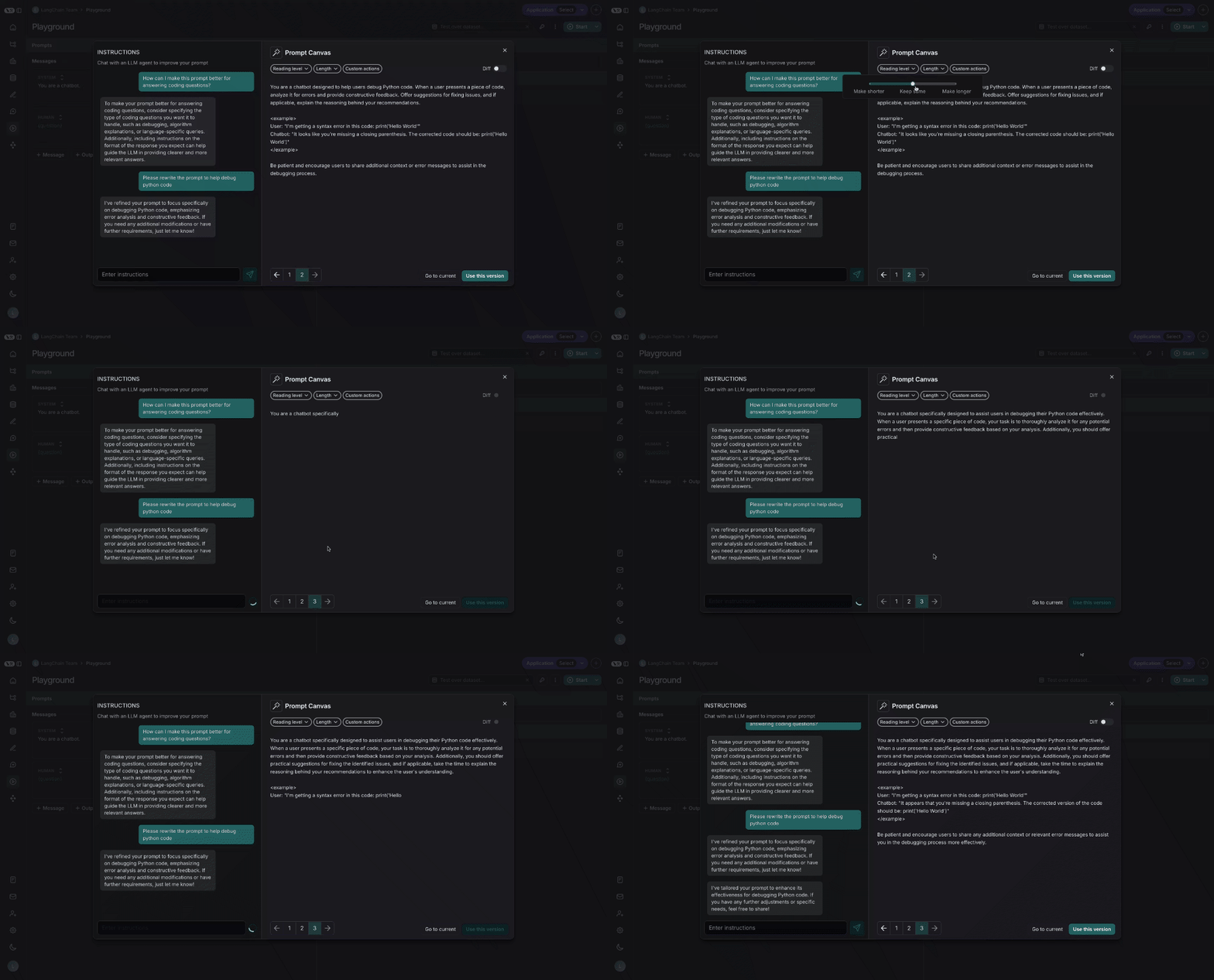
通过单击鼠标，即可使用快速操作来更改提示词的阅读难度或长度：

<img src="https://mintcdn.com/other-405835d4/4uxGFmQj9AQhEaXK/langsmith/images/prompt-canvas-quick-actions.gif?s=ff240751bb8ff21080240cdd82e85080" alt="提示画布快速操作" width="1000" height="539" data-path="langsmith/images/prompt-canvas-quick-actions.gif" />

## 自定义快速操作

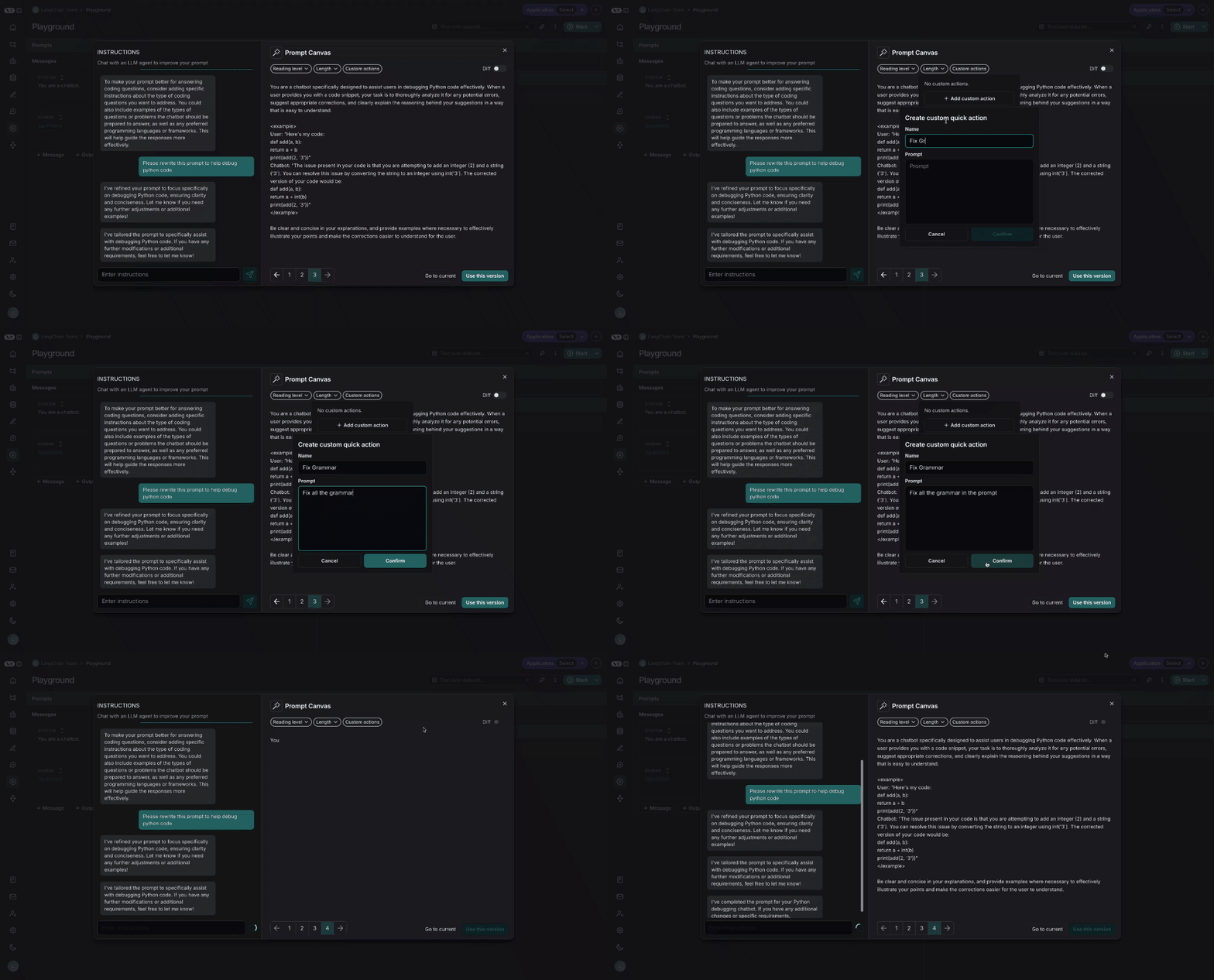
您还可以保存自己的自定义快速操作，以便在LangSmith中处理的所有提示词中轻松使用：

<img src="https://mintcdn.com/other-405835d4/4uxGFmQj9AQhEaXK/langsmith/images/prompt-canvas-custom-quick-action.gif?s=6fa7918a684c6e2c31858b16222f2cdb" alt="提示画布自定义快速操作" width="1000" height="539" data-path="langsmith/images/prompt-canvas-custom-quick-action.gif" />

## 差异对比

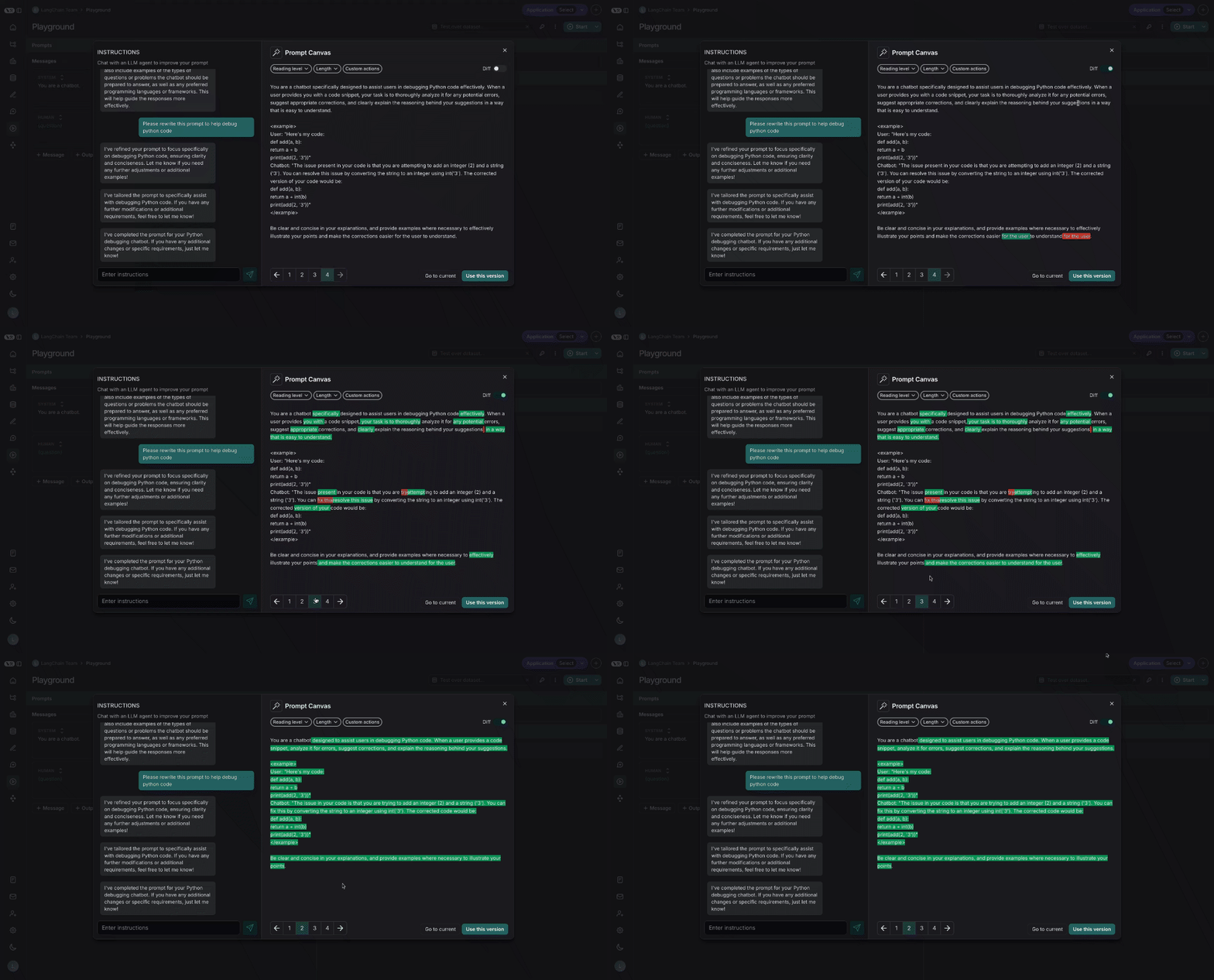
您还可以通过选择画布右上角的差异滑块，查看提示词每个版本之间的具体差异：

<img src="https://mintcdn.com/other-405835d4/4uxGFmQj9AQhEaXK/langsmith/images/prompt-canvas-diff.gif?s=6773a49da8a1892814404403255215ff" alt="提示画布差异对比" width="1000" height="539" data-path="langsmith/images/prompt-canvas-diff.gif" />

## 保存和使用提示词

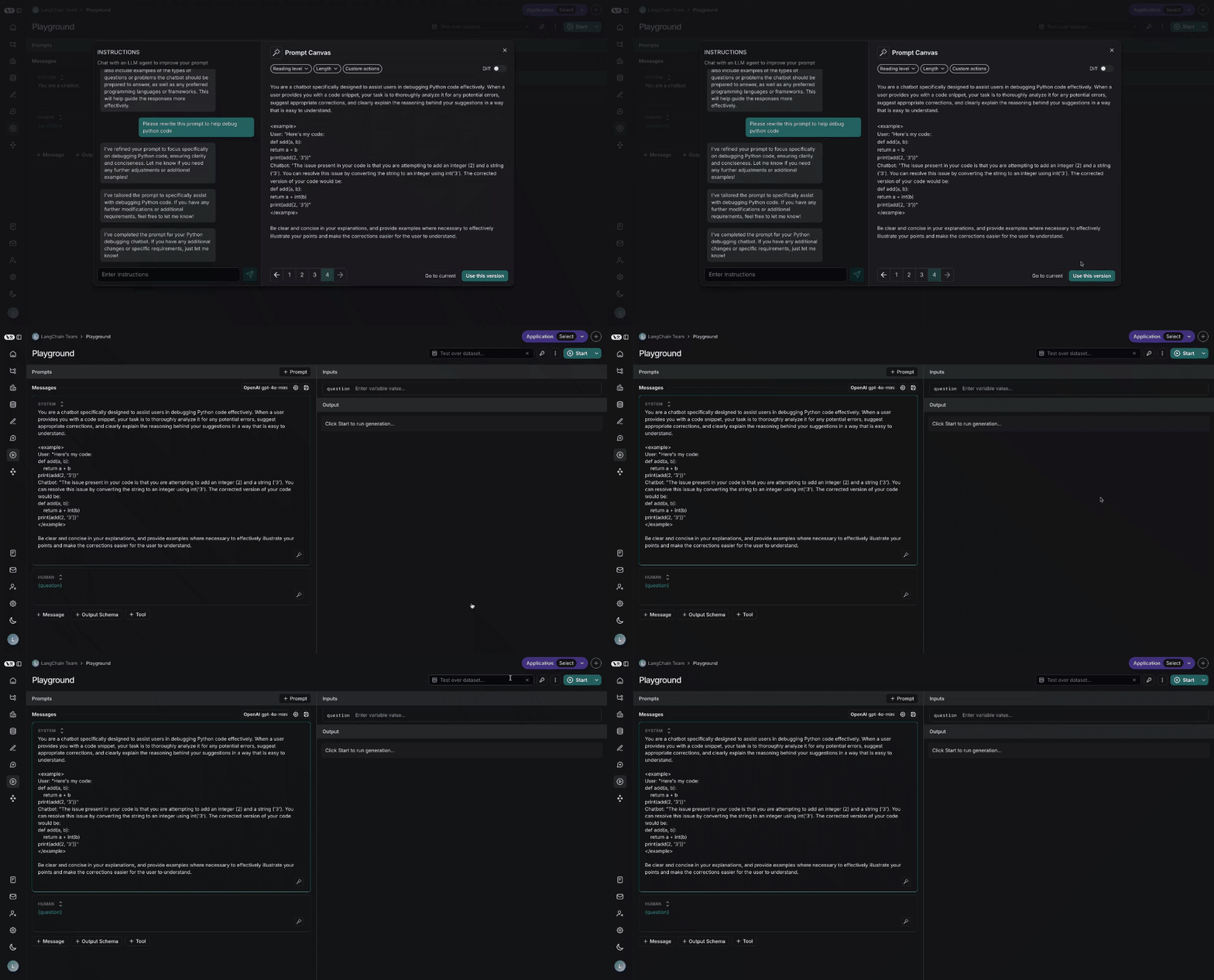
最后，您可以通过点击右下角的“使用此版本”按钮，保存在画布中创建的提示词：

<img src="https://mintcdn.com/other-405835d4/4uxGFmQj9AQhEaXK/langsmith/images/prompt-canvas-save.gif?s=2333fcec32e0921a64d429b7499dce77" alt="提示画布保存" width="1000" height="539" data-path="langsmith/images/prompt-canvas-save.gif" />

***

<div className="source-links">
  <Callout icon="terminal-2">
    [连接这些文档](/use-these-docs)到Claude、VSCode等，通过MCP获取实时答案。
  </Callout>

  <Callout icon="edit">
    [在GitHub上编辑此页面](https://github.com/langchain-ai/docs/edit/main/src/langsmith/write-prompt-with-ai.mdx)或[提交问题](https://github.com/langchain-ai/docs/issues/new/choose)。
  </Callout>
</div>